Meet Shrink365: The Migration Sidekick Every IT Team Needs
If you’ve ever had to move media files out of SharePoint Online, you’ll know the drill. What starts as “just a migration” quickly turns into late nights, endless error logs, broken links, and panicked emails from users who suddenly can’t find their files.
For many IT teams, migrations feel like juggling flaming torches — one wrong move, and the whole project comes crashing down.
That’s exactly why we built Shrink365.
This guide will break down the process into simple steps to help business owners and tech professionals choose a cloud provider that fits their needs. If you’re looking for reliability, security, and seamless integration with Microsoft tools, Azure is a top choice worth considering.
The Problem: Migrations Are Messy
Take Sam, an IT manager at a mid-sized company. When the business decided to move thousands of training videos and images to Azure Blob Storage, Sam thought it would be simple.
But reality looked different:
- Some files didn’t copy over.
- Staff started complaining about missing media.
- Restarting the migration after interruptions meant days of wasted time.
- Storage costs in SharePoint kept climbing every month.
Instead of focusing on strategy, Sam spent his days troubleshooting errors and firefighting support tickets. Sound familiar?
The Solution: Shrink365
Now, picture the same project with Shrink365.
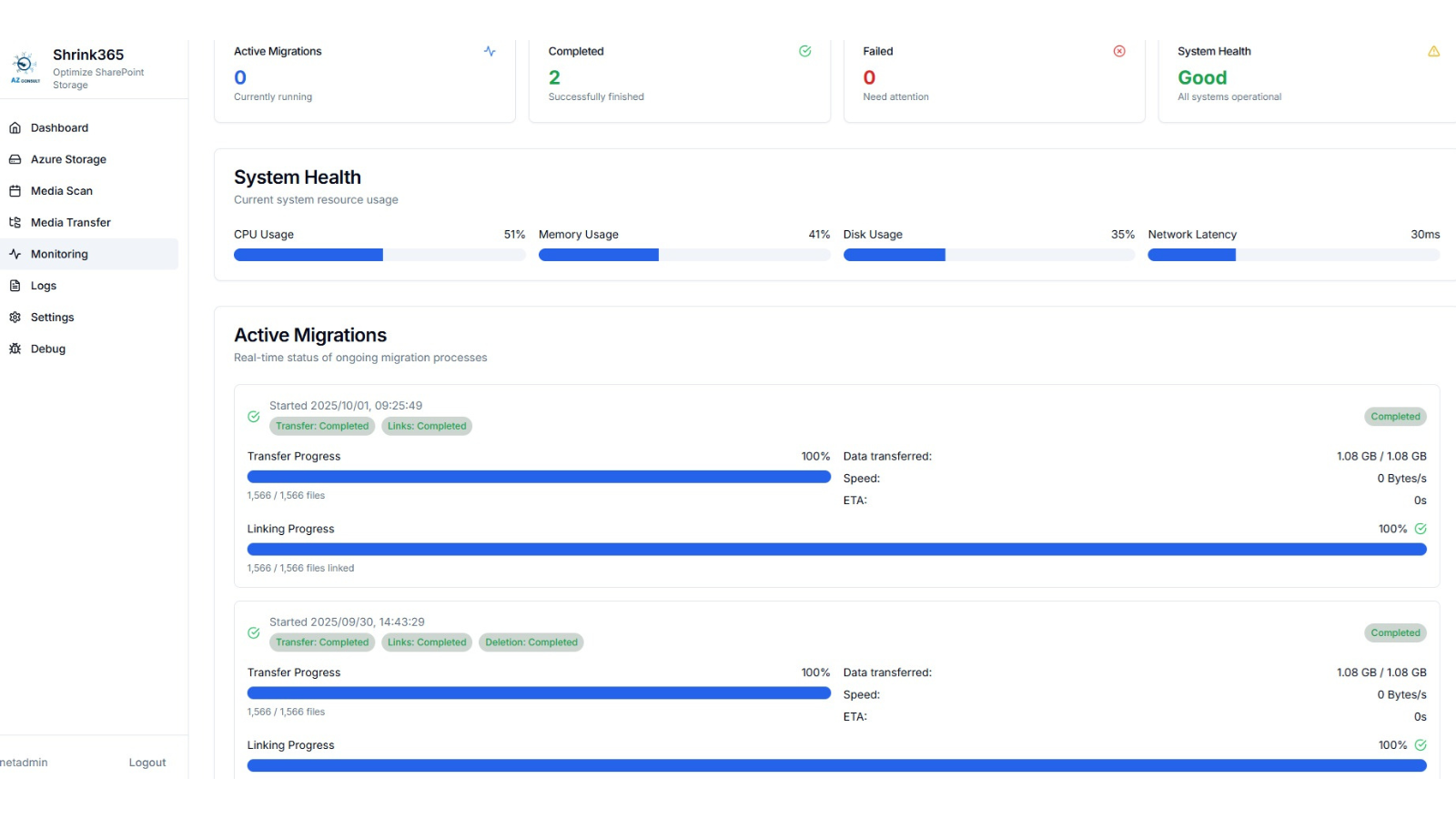
Every file is carefully tracked, validated, and redirected. When an internet outage caused a hiccup, Shrink365 simply picked up where it left off — no data loss, no wasted time.
Once the migration was complete, the originals in SharePoint were safely removed, cutting down storage costs and keeping finance smiling. And thanks to automatic redirects, employees didn’t even notice the migration had happened — their files were exactly where they expected them to be.
For Sam, the difference was night and day. Instead of babysitting a messy migration, he was free to focus on higher-value projects, confident that Shrink365 had everything under control.
Why Everyone Love Shrink365
Shrink365 isn’t just another migration tool. It’s your sidekick — built to save time, reduce risk, and keep costs low.
Here’s why IT teams (and their CFOs) love it:
Peace of Mind
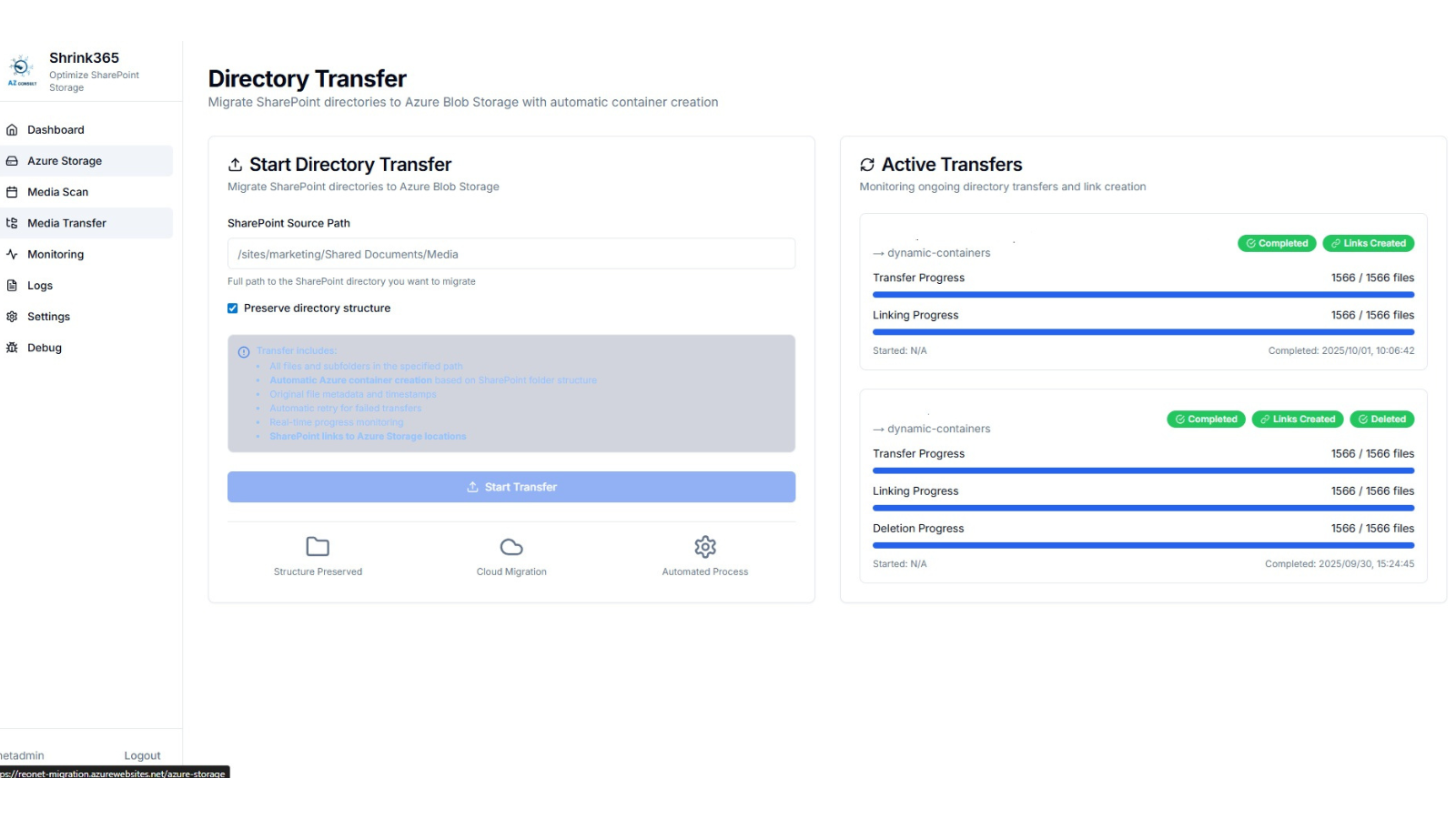
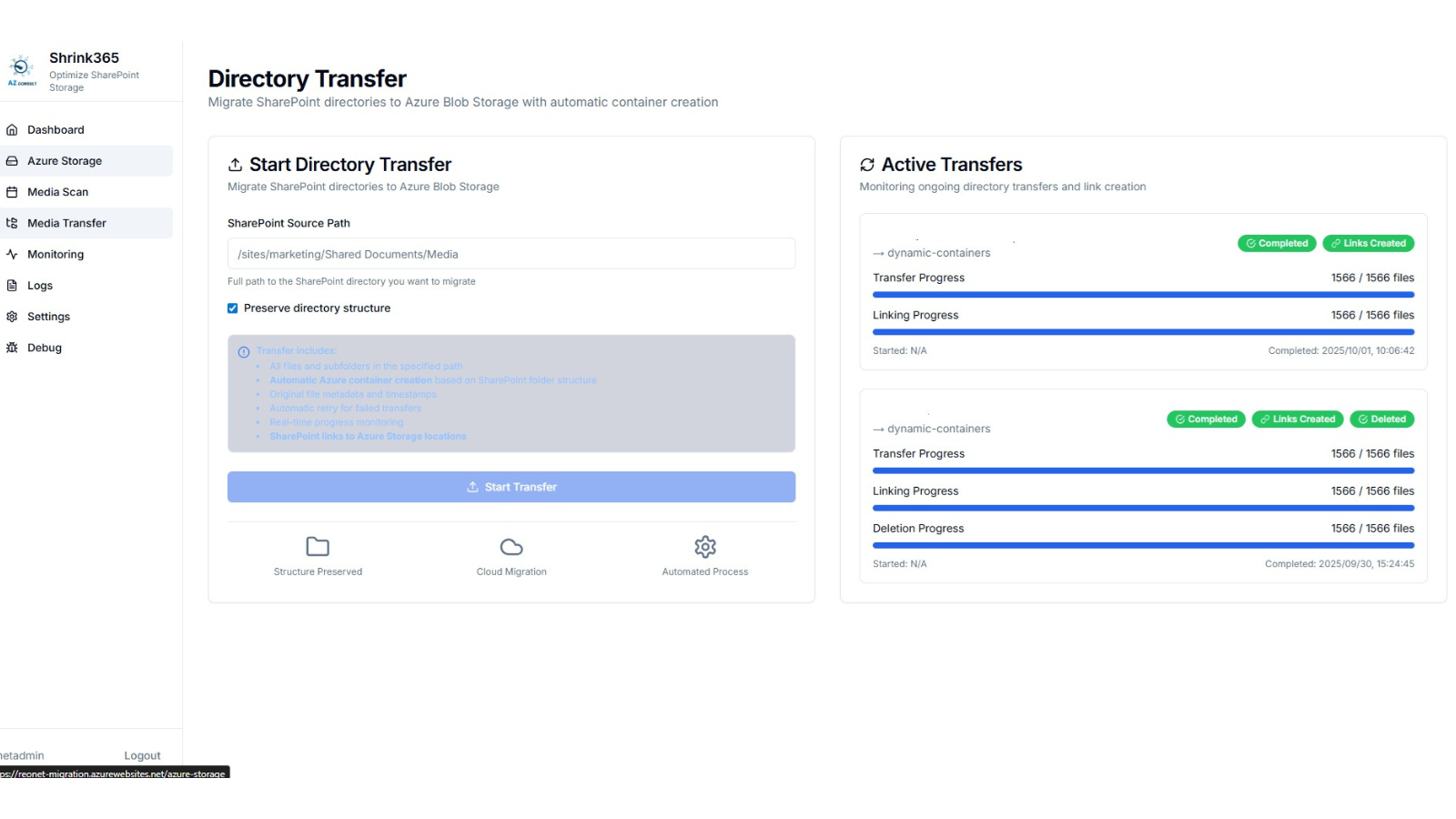
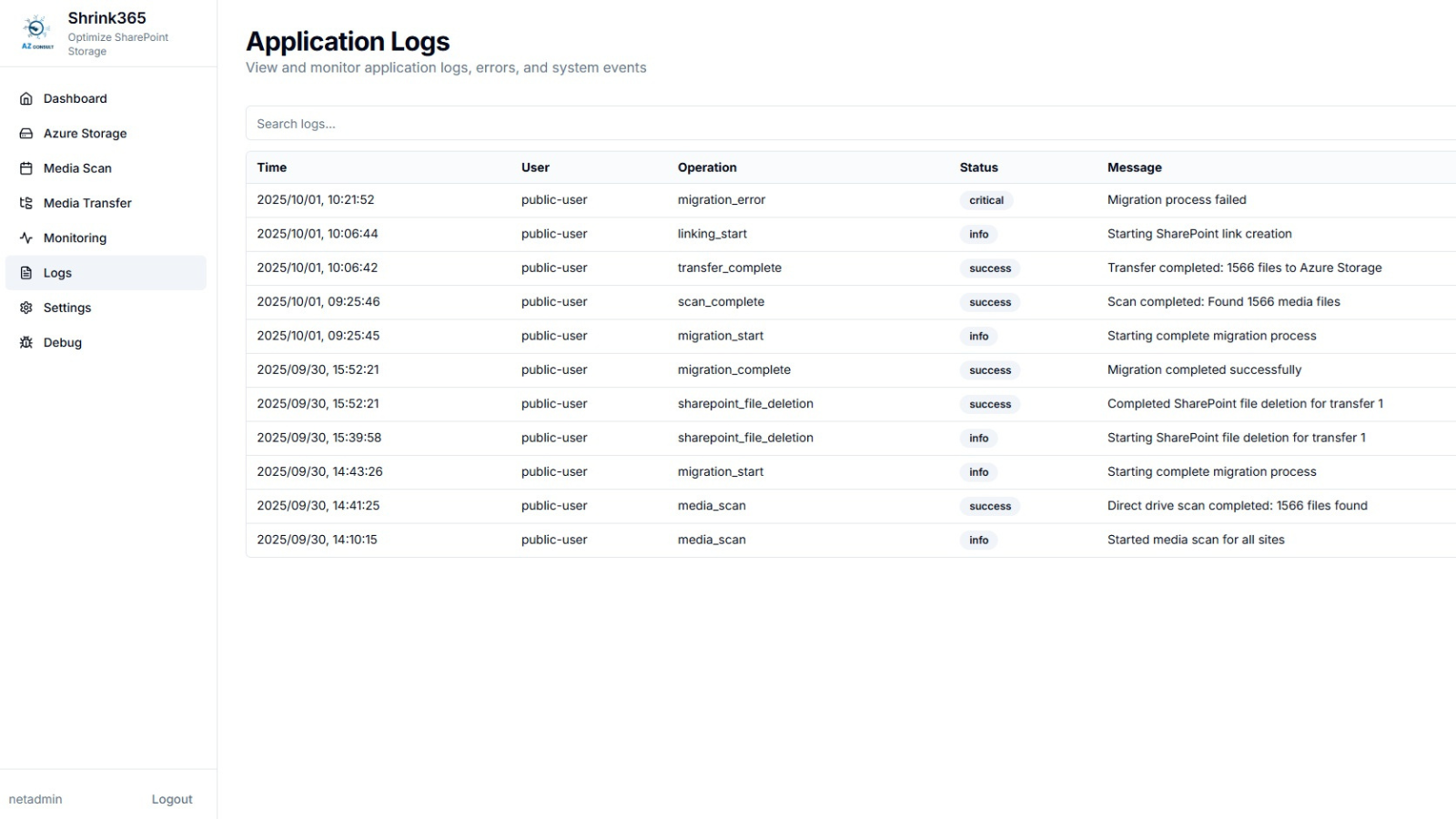
- Every file is tracked from scan to transfer, validation, linking, and deletion.
- Built-in Azure validation means no broken links or missing media.
- Detailed error logs with retry tracking ensure issues don’t slip through the cracks.
Time-Saving Superpowers
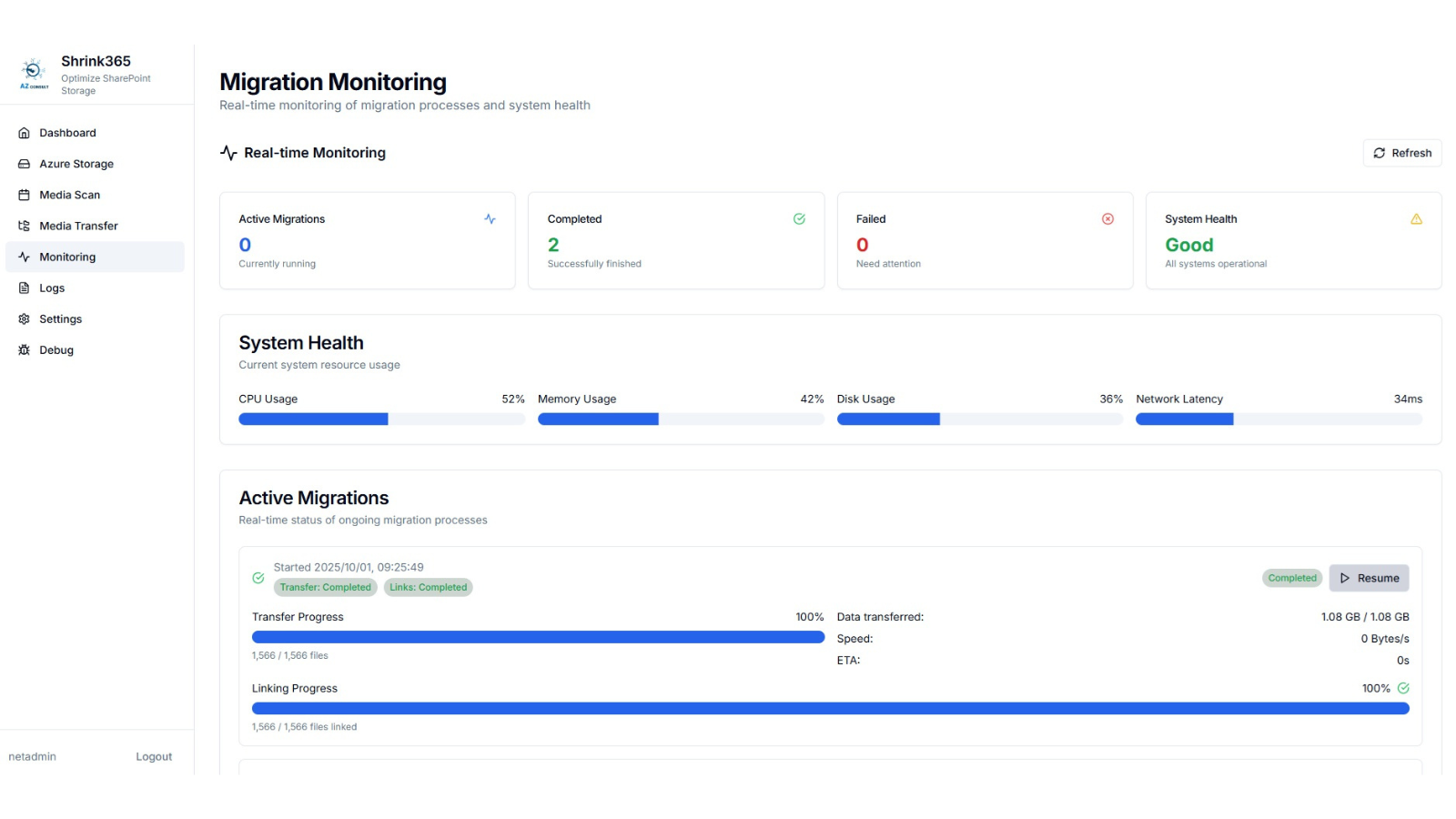
- If something interrupts the migration, Shrink365 resumes where it left off.
- Real-time dashboards let you monitor progress live.
- Smart rate limiting keeps performance smooth and predictable.
Cost-Smart Efficiency
- Redirects in SharePoint mean no downtime for end users.
- Old media files are safely deleted once migrated, reducing SharePoint storage costs.
- Focused solely on media (videos, images, audio) — no wasted time on non-media files.
Built for the Cloud Era
Shrink365 is designed for today’s cloud-first world, deployed as a SaaS solution in Azure. That means:
- Scalability: Handle migrations of any size, from gigabytes to petabytes.
- Reliability: Azure’s global infrastructure keeps you online and resilient.
- Security: Built on Azure’s enterprise-grade security, including encryption, identity management, and compliance.
- Simplicity: No servers to manage, no infrastructure headaches — Shrink365 just works.
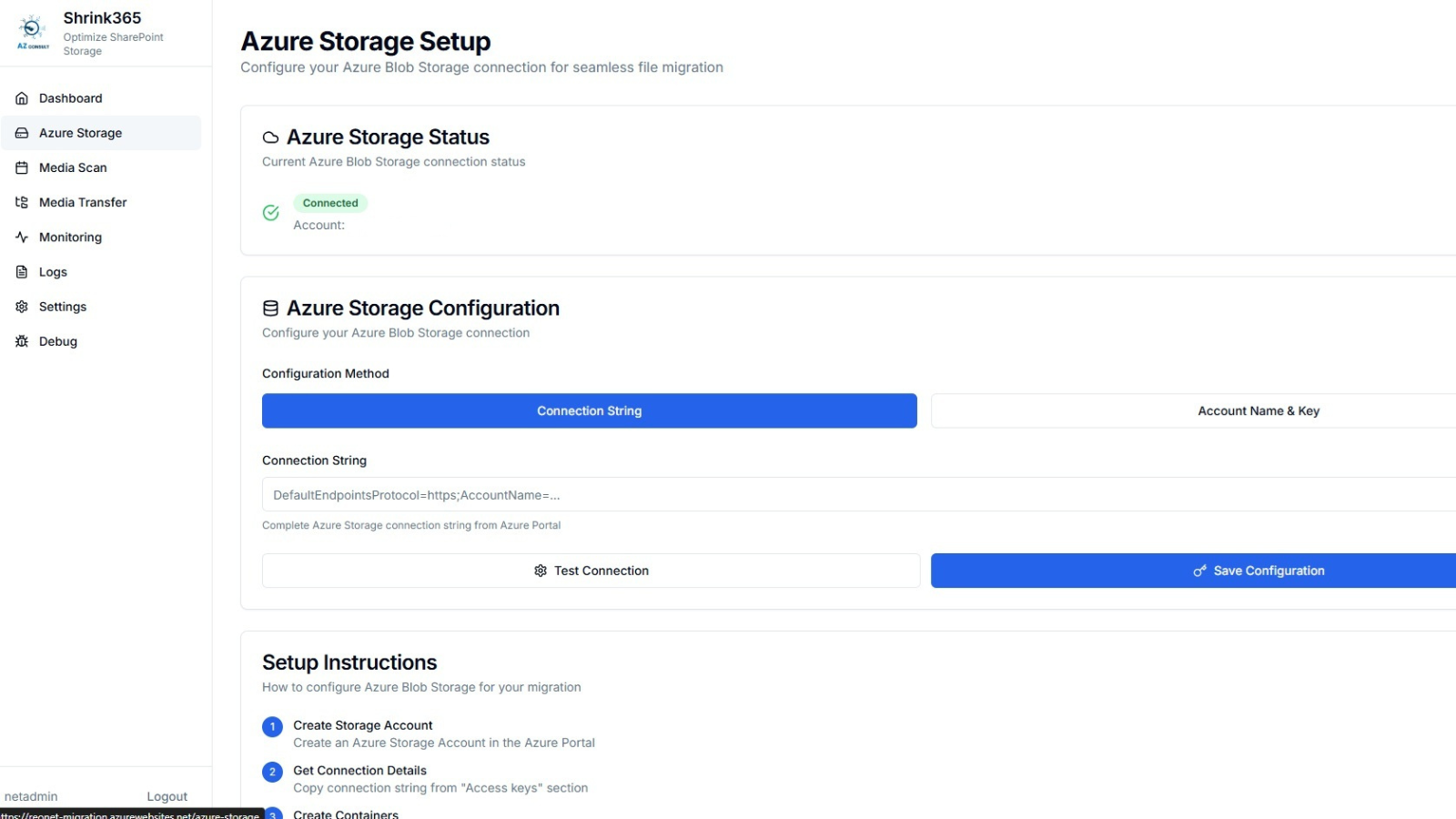
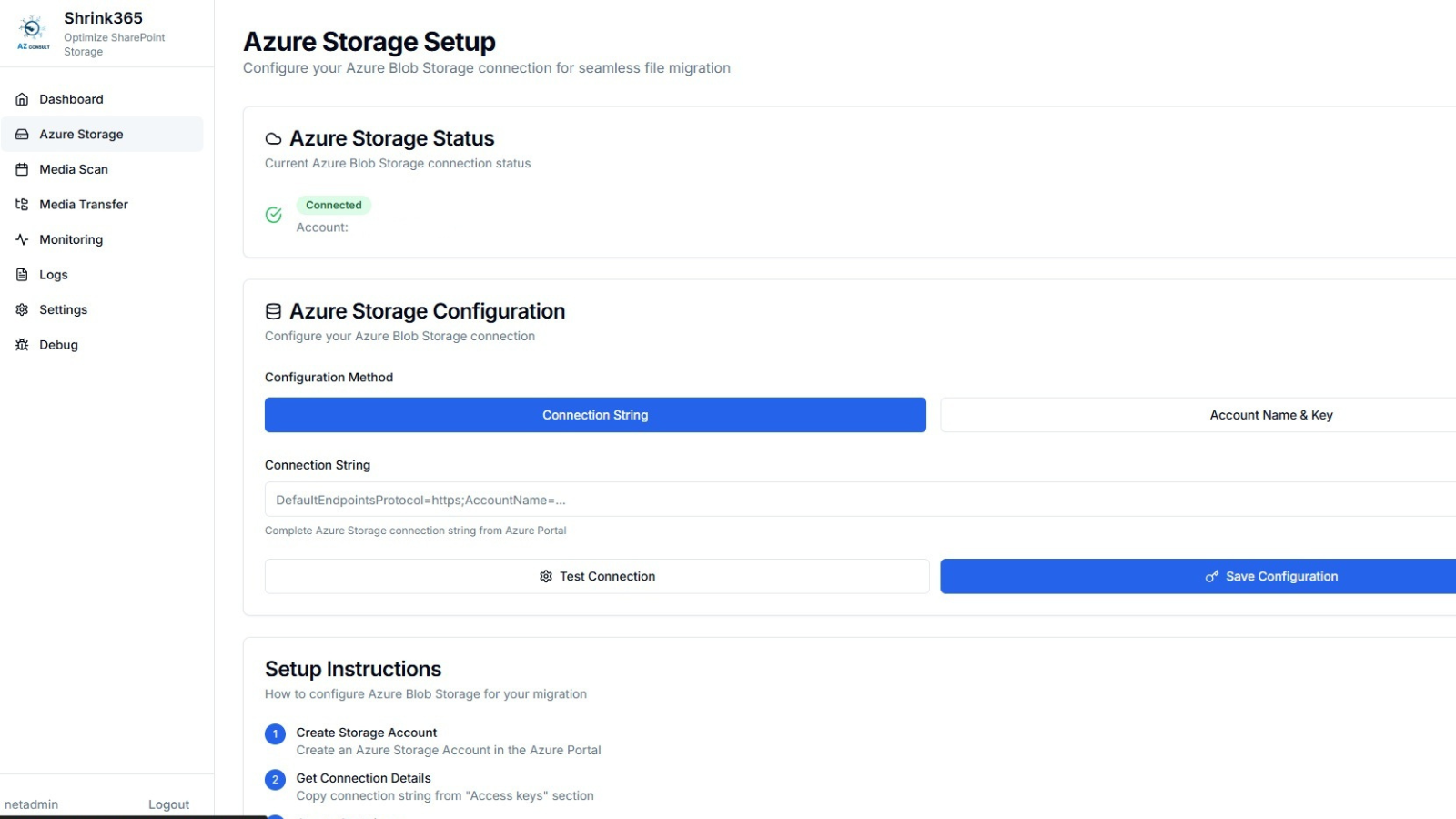
Behind the scenes, Shrink365 leverages Azure services like Blob Storage, App Service, PostgreSQL, Active Directory, and Monitor. But all you need to know is this: you can deploy in minutes and start migrating right away.
Cost Savings: SharePoint vs. Azure Blob Storage
For many businesses, the “aha” moment comes when they see the cost savings.
SharePoint Online is fantastic for collaboration and document management — but it’s expensive and inefficient for storing large media libraries. Azure Blob Storage, on the other hand, is built for exactly this.
Here’s how the numbers stack up:
Scenario: 5 TB of media files in SharePoint.
- SharePoint Storage:
$0.20/GB/month → $1,000/month - Azure Blob Storage:
Hot Tier: $0.0184/GB/month → $92/month
Cool Tier: $0.01/GB/month → $50/month
That’s up to 95% savings — money you can reinvest where it actually matters.
For Sam’s company, moving media out of SharePoint wasn’t just an IT win — it was a finance win too.
The Bottom Line
Migrations may never be fun, but with Shrink365, they don’t have to be a headache either.
Instead of firefighting errors, chasing missing files, and fielding complaints, you get peace of mind. Every file is safe, every link works, and every step is tracked.
So the next time someone drops “we need to move our SharePoint media” on your desk, don’t panic. Just smile, open Shrink365, and let your new migration sidekick handle it.
Ready to cut costs, save time, and finally migrate without the migraines? Say hello to Shrink365 — and goodbye to migration nightmares.